
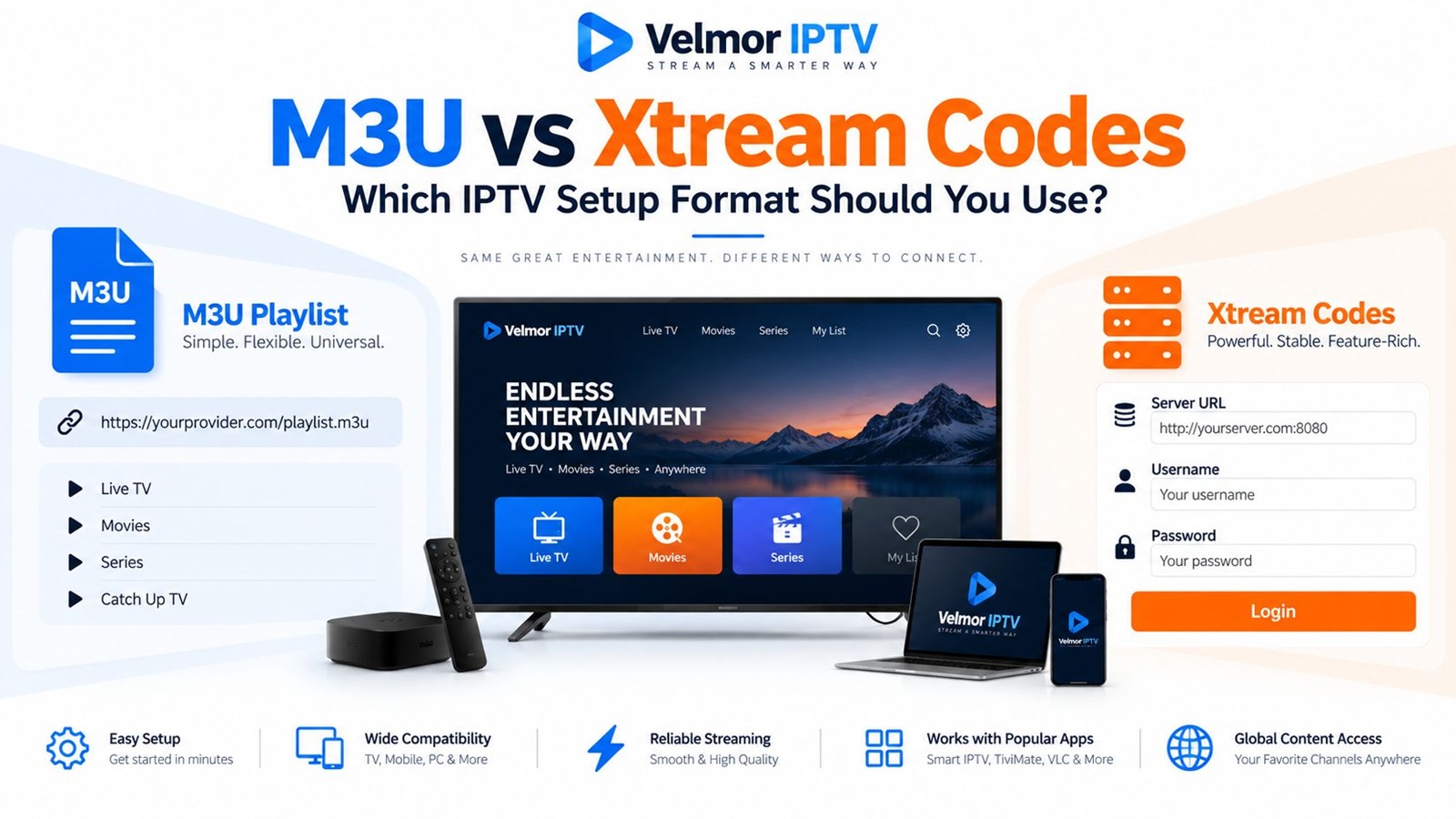
An IPTV player may ask you to add an M3U playlist URL or sign in with a server URL, username, and password. These are not two competing television services. They are common ways a compatible player can receive or retrieve information associated with provider-issued access.
The practical choice depends on two things: the format your provider supplies and the formats your player accepts. This guide explains that boundary without replacing the general introduction to what IPTV is or the site-wide IPTV setup guidance.
- M3U is playlist-oriented and may arrive as a URL or a file.
- An Xtream Codes-style login usually separates the server URL, username, and password into three fields.
- Neither method is automatically better, safer, legal, or higher quality.
- Use only the provider-issued method that a trusted compatible player supports.
What Is an M3U Playlist?
An M3U playlist is a text-based playlist structure. In an IPTV setup, a compatible player reads entries that point to streams and presents them as a browsable list. The provider may supply a remote playlist URL, so the player can retrieve it, or a file that the user imports. A URL can let the provider update the remote playlist without the user replacing a local file.
Extended M3U can associate entries with metadata such as display names, groups, or logo references. Those fields depend on how the playlist is generated and what the player understands. An M3U label does not promise groups, logos, video on demand, catch-up, or any other particular feature.
Program-guide data can also be separate. For example, the Kodi IPTV Simple Client documentation describes separate M3U playlist and XMLTV guide configuration. That is one documented implementation, not a rule that every provider or player follows.
What Is an Xtream Codes-Style Login?
An Xtream Codes-style or Xtream-compatible login commonly gives a player three inputs: a server or portal URL, a username, and a password. A compatible client can use those values to request structured information from a Player API rather than treating the whole account as one playlist document.
Depending on the server implementation and account, responses may include account or server information, live categories, live streams, on-demand categories and items, series information, or EPG data. Community-maintained Xtream-compatible Player API documentation illustrates these common client-facing requests. It is not documentation for a current official commercial Xtream Codes service, and not every compatible system implements the same surface.
For an end user, the important point is simple: choose the player option intended for a server URL plus account credentials. You do not need panel-administration, reseller, account-creation, or server-management instructions to configure an ordinary player.
M3U vs Xtream Codes: The Main Differences
M3U generally gives the player a playlist resource, while an Xtream-style login lets a compatible player request structured data using separate credentials. The resulting interface can still look similar because the player decides how to display channels, categories, guide information, and on-demand sections.
| Comparison point | M3U playlist | Xtream Codes-style login |
|---|---|---|
| Typical input | Playlist URL or playlist file | Server URL, username, and password |
| Data organization | Entries and optional metadata in a playlist | Structured responses retrieved by a compatible client |
| EPG handling | May use a separate XMLTV source or playlist metadata | May be retrieved through a compatible API implementation |
| Category handling | May come from grouping metadata | May arrive as separate live, VOD, or series categories |
| Player compatibility | Requires playlist support | Requires an Xtream-compatible login option |
| Credential exposure | Credentials may appear inside a long URL | Credentials use separate fields but remain sensitive |
| Setup convenience | One URL can be quick to import | Separate fields can be easier to check and organize |
| Portability | Often usable across playlist-compatible software | Usable only where the compatible login is supported |
Each row describes common behavior, not a guarantee. A provider can omit data, and two players can interpret the same input differently. Playback quality also depends on the wider service, source, device, application, and network; the access format alone does not establish quality.
M3U and M3U8 Are Not the Same Thing
M3U names a playlist format family. M3U8 commonly identifies a UTF-8-encoded playlist and is widely associated with HTTP Live Streaming, or HLS. Apple's HLS documentation uses playlist files to describe media resources and variants in an HLS presentation.
In everyday IPTV language, “M3U playlist” often means the account-level list imported into a player. An individual stream referenced by that list might itself use an .m3u8 HLS playlist. The concepts are related, but the account playlist and an individual HLS stream manifest are not interchangeable terms. You normally do not need to inspect or rewrite either one.
What Information Do You Need for Each Method?
For M3U setup, you normally need the exact playlist URL or file supplied by the provider. A separate EPG or XMLTV address may also be supplied when the player expects one. Preserve the full URL, including its protocol and any provider-generated parameters, because shortening or retyping only part of it can break access.
For an Xtream-style setup, use the exact server URL, username, and password in their matching fields. Do not paste a playlist URL into a server field unless the provider or player documentation explicitly says to do so. Player wording can vary, so compare the requested fields rather than relying only on a label.
- Match the input method to the details you actually received.
- Keep capitalization, punctuation, URL prefixes, and port information exactly as issued.
- Confirm whether a separate EPG address is required or optional.
- Never try to derive, convert, or reverse-engineer a format the provider did not supply.
How EPG and Categories Differ
An electronic program guide, or EPG, links schedule information to channels. In an M3U-based setup, the player may combine a playlist with a separate XMLTV source, or use references included with the playlist. Streams can load while guide rows remain empty if identifiers, time settings, or the guide source do not align. The dedicated IPTV EPG guide explains guide-data matching and troubleshooting in more depth.
An Xtream-compatible player may request category and EPG information through the server's supported Player API. That can give the app separate structures for live television, VOD, and series, but only when the server, account, and client implement those capabilities. The player still controls presentation, caching, sorting, and refresh behavior.
Which Method Is Easier to Use?
Neither method is always easier. An M3U URL can be convenient because it is one value to import, but a long credential-bearing URL is awkward to enter with a television remote. An Xtream-style form has more fields, yet each part is visible and can be checked separately. Initial loading may also feel more organized when a compatible client retrieves distinct categories.
Ease also depends on the device and interface. A secure app-supported pairing flow can reduce remote typing, while importing through an unknown website creates needless exposure. For device-specific preparation, use the Smart TV setup guide or Fire TV beginner's guide.
Which Method Works With Your IPTV Player?
The correct method starts with the installed player's supported inputs. A player may accept M3U only, an Xtream-style login only, both, or additional provider-specific methods. Similar-looking apps can have different features, and availability can vary by device platform, region, version, and time.
Check the player publisher's current documentation or setup screen, then compare those fields with the provider-issued information. Do not assume support based on a screenshot for another app. The broader device guide helps identify platform categories, while the IPTV FAQ covers general account and setup questions.
Can One IPTV Account Provide Both?
Sometimes. In some Xtream-compatible systems, the same account information can underlie both a structured login and a provider-generated M3U playlist URL. The two methods are then alternative interfaces to the same subscription rather than separate subscriptions.
This is not universal. A provider may issue only one method, restrict how access is used, or use a different system entirely. Ask for the supported format instead of constructing a URL from SERVER, USERNAME, and PASSWORD placeholders or submitting credentials to a converter. The account terms and permitted connection count still apply.
Common Setup Problems
M3U Playlist Does Not Load
Check that the full URL or file was imported into an M3U-compatible input, with no missing characters or spaces. Confirm the device is online and the player can reach other resources. An empty or rejected playlist can involve the input, player, network, account status, or provider response, so preserve the exact error and compare it with the original instructions. For symptom-led checks after provider-issued details fail, use the IPTV login and playlist troubleshooting guide.
Xtream Login Is Rejected
Verify the username and password separately, including capitalization, then confirm the account is entered through the Xtream-compatible option. If a trusted compatible player still rejects correctly copied details, ask the provider to confirm the account and expected login method without publishing the credentials.
Server URL Is Entered Incorrectly
Compare the protocol, hostname, port if supplied, punctuation, and any path with the provider's message. Do not add an API filename or administration path unless the player or provider explicitly requires it; many clients build their own requests from the base server field.
Channels Load but EPG Does Not
This narrows the likely problem to guide availability, guide configuration, channel matching, time settings, or the player's refresh behavior rather than basic stream access. Check whether the provider supplied a separate XMLTV source, whether the chosen input supports guide retrieval, and whether the player finished refreshing.
Content Appears Differently Between M3U and Xtream Login
Different interfaces may organize or expose the same account data differently. Playlist metadata, API categories, player filtering, favorites, caching, and supported content types can affect presentation. A difference does not by itself prove that either login is broken. Compare account terms and ask which method is intended.
The Player Supports Only One Method
Use the supplied format only if it matches that method. Otherwise choose a reputable player that supports the provider-issued details, or ask which compatible option is intended. Do not convert private credentials through an unknown tool merely to keep using an incompatible app.
Security and Privacy When Handling IPTV Credentials
Treat every playlist URL, username, and password as confidential. An M3U URL may contain account credentials as query parameters, and individual stream URLs may embed account identifiers or credentials depending on the implementation. A link that looks shareable can therefore grant someone else access or reveal private account information.
- Do not post playlist URLs or login screens publicly.
- Crop or cover credentials before sharing troubleshooting screenshots.
- Do not paste details into unknown validators, converters, or support forms.
- Install reputable player software from a trusted source and review its publisher and permissions.
- Use the provider's legitimate contact channel when account confirmation is needed.
- Remove saved access from a device before selling, returning, or sharing it.
The access format does not establish whether a service is lawful or trustworthy. Evaluate the provider, terms, authorized use, app source, and privacy handling separately. The IPTV subscription buyer's guide provides a broader due-diligence checklist.
Which Format Should You Choose?
Choose M3U when the provider supplies an M3U URL or file and your trusted player expects playlist input. It can suit a portable playlist-style workflow, particularly when you already have a compatible player and understand whether guide data needs separate configuration.
Use an Xtream-style login when the provider supplies a server URL, username, and password and the player explicitly supports that method. Structured category, account, or guide retrieval may be useful, but the available results depend on the implementation.
Using Provider Access Details With Velmor IPTV
Use the access details supplied after your Velmor service or trial request with a compatible player. This repository does not establish that every request receives M3U, Xtream-style credentials, or both, so confirm the issued format and choose the matching input rather than assuming or converting it.
Review current plan choices on the pricing page after confirming device and player compatibility. To test your intended device, player, login flow, navigation, and network first, use the 24-hour free trial for 1 device. No access method guarantees a particular app experience or stream quality.
M3U vs Xtream Codes Questions
Is M3U the Same as Xtream Codes?
No. M3U is playlist-oriented, while an Xtream Codes-style login commonly lets a compatible client retrieve structured information using a server URL, username, and password. They may sometimes connect to the same underlying account.
Is M3U the Same as M3U8?
Not exactly. M3U refers to a playlist format family. M3U8 commonly indicates UTF-8 encoding and is widely used for HLS playlists, including manifests for individual streams.
What Details Does an Xtream-Style Login Require?
A compatible player typically asks for a server or portal URL, username, and password. Use the exact provider-issued values and the matching login option.
Does an M3U Playlist Include an EPG?
Not necessarily. Some setups use a separate XMLTV guide source, while others include references or metadata that a player can use. Provider and player behavior varies.
Can the Same IPTV Subscription Use Both M3U and Xtream Login?
Sometimes, when the provider and underlying system support both interfaces. Do not assume this or construct another format yourself; confirm what the provider supplies and permits.
Which Option Is Better for a Smart TV?
Whichever provider-issued option a reputable player on the exact television supports. App availability and input methods vary by TV platform, model, region, and version.
Which Option Is Better for Fire TV?
Choose according to the trusted Fire TV player and provider-issued format. Neither M3U nor an Xtream-style login is universally better for every Fire TV device or app.
Why Does My Player Accept One Format but Not the Other?
Players implement different input methods. One may parse playlists but not support an Xtream-compatible API, while another may offer structured login only. Check current publisher documentation.
Is It Safe to Share an M3U URL?
No. Treat it like a password because it may contain credentials or account identifiers. Do not post it, include it in screenshots, or submit it to unknown websites and tools.