
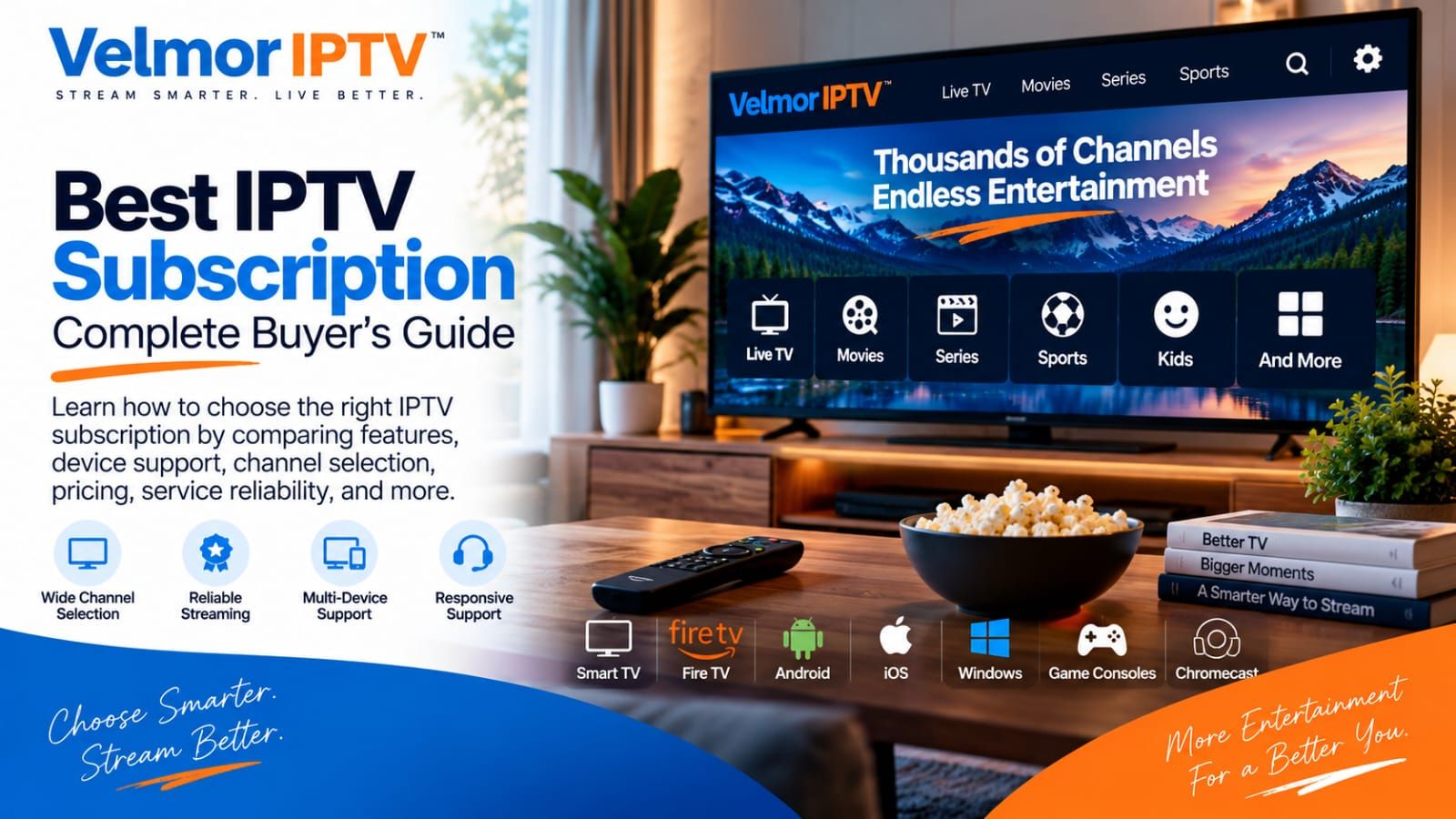
The best IPTV subscription is not a universal product. A plan that suits one household may be a poor choice for another because the devices, apps, number of simultaneous viewers, budget, and appetite for a longer commitment are different. A useful comparison therefore starts with your own setup—not a provider’s biggest headline.
This guide gives you a practical framework for comparing device support, pricing, trial access, setup, support, and service terms. If you first need a short explanation of the technology, start with what IPTV is and how it works. Then return here to evaluate a subscription as a buyer.
If you are first deciding whether an IPTV service or your locally available cable option better fits the household, use the IPTV vs cable TV comparison before comparing individual IPTV subscriptions here.
What Makes an IPTV Subscription the Best Fit?
A good fit is the subscription whose practical requirements match your situation and whose costs and terms you understand before paying. Compare providers with the same questions rather than letting one attractive feature decide the purchase.
Device and App Compatibility
Confirm the exact television, streaming device, phone, or tablet you intend to use. “Works on Smart TV” is not specific enough: television operating systems and app stores differ by brand, model, region, and software version. Ask which access format is supplied and whether a reputable player available on your device supports it.
Compatibility also includes usability. A technically compatible app may still have a remote-control layout or sign-in process that you dislike. If several people will use the service, consider whether each person can navigate the chosen app comfortably.
Transparent Pricing
You should be able to identify the subscription duration, supported device or connection count, total amount due, and any conditions that affect renewal. Compare like with like. A one-device monthly offer and a multi-device annual offer solve different problems, so their headline prices alone are not a fair comparison.
Trial Access
A trial is most valuable when you treat it as a compatibility check. Use the device, network, and app you expect to use after purchasing. Test ordinary navigation and setup, not only whether the first screen loads. A short test cannot predict every future condition, but it can expose an immediate mismatch before a longer commitment.
Setup and Support
Before buying, understand what information the provider supplies and what you must install or configure. Also confirm how support is contacted. A visible support channel matters because setup questions often involve device-specific details that generic instructions cannot anticipate.
Clear Service Terms
Read the applicable terms, refund policy, privacy information, and renewal wording. Look for clear explanations rather than assumptions. If a point that matters to your decision is missing, ask before paying and keep the response for reference.
| Question | What to verify | Why it matters |
|---|---|---|
| Will it fit my setup? | Exact device, operating system, app, and access format | Broad compatibility language can hide device-specific limits |
| What am I buying? | Duration, connection count, total price, and renewal terms | Comparable totals prevent misleading headline-price comparisons |
| Can I evaluate it? | Trial method, duration, and what you can test | Your own setup provides more relevant evidence than a generic promise |
| What happens if I need help? | Support channel and available setup guidance | You know where to take a device or account question |
Start With Your Device and Viewing Setup
Write down the devices you will actually use. Smart TVs can be convenient because no extra box is required, but compatible apps vary. Fire TV and other streaming devices have their own app availability and installation flows. Android TV and Google TV devices may offer different player choices again. Phones and tablets can be useful for personal viewing or testing, provided the service and chosen app support them.
Check the provider’s supported device guidance against the exact model and software you own. Then review the setup process before purchase. Knowing whether setup uses a playlist, credentials, a portal address, or another supported method helps you verify that your preferred player can accept the supplied format.
Devices You Own Versus Connections You Need
Owning four screens does not automatically mean you need four connections. The important question is how many screens may need to use the subscription at the same time, subject to the provider’s plan terms. One person who moves between a living-room television and a tablet has a different need from a household expecting several simultaneous viewing sessions.
Ask the provider what its device count means. Does it refer to registered devices, simultaneous connections, or another limit? Do not assume these terms are interchangeable. Choose a plan based on the intended usage explained by the provider, and avoid sharing access outside the permitted scope.
- List each device by model and operating system.
- Identify the player app you can obtain from a trusted source.
- Count likely simultaneous viewers, not every screen in the home.
- Confirm the provider’s meaning of “device” or “connection.”
- Check that your network reaches each viewing location reliably.
How to Compare IPTV Pricing and Value
Compare total subscription cost first, then calculate the effective monthly cost if that helps you evaluate different durations. For example, divide a six-month total by six only as a comparison tool; the full amount is still the amount you commit upfront. Keep device or connection count constant when comparing durations.
The cheapest option is not automatically the best value. A lower total can be poor value if it does not suit your device, lacks a support route you can use, or requires a setup you cannot complete. Conversely, paying more does not prove that a service will fit your needs. Value is the combination of usable access, suitable duration, clear terms, and a cost you accept.
Treat Longer Commitments as a Tradeoff
A longer plan may reduce the effective monthly cost, but it also increases the amount committed before you have long-term experience with the service. A new buyer may reasonably prefer a shorter duration even when its monthly equivalent is higher. Reassess after you understand the setup, support experience, and ordinary performance on your network.
Check provider-specific totals on the provider’s current page because prices can change. Velmor keeps its current one-device plans and durations on the IPTV pricing page; this guide intentionally does not reproduce the full price list.
Why a Free Trial Can Be Useful Before Subscribing
A free trial turns abstract compatibility statements into a test on your own setup. Use the same television or streaming device, app, Wi-Fi or wired connection, and viewing location you expect to use later. The goal is not to prove that every future session will be identical. It is to answer immediate buying questions with direct experience.
- Playback experience: observe ordinary starting, stopping, and switching on your connection.
- Navigation and usability: check whether the app and remote controls feel manageable.
- Setup process: note whether you can install the player and enter the supplied details correctly.
- Connection performance: test from the room and network path you will commonly use.
- Device suitability: confirm that the selected app behaves acceptably on your exact device.
Velmor IPTV offers a 24-hour free trial for 1 device, requested manually through WhatsApp. The prefilled WhatsApp message starts the request without promising activation timing, eligibility conditions, or a particular result.
Review Support, Terms, and Privacy Before Paying
Buyer due diligence continues after compatibility and price. Confirm the available support channel and use it for a specific pre-purchase question if you have one. The quality of a single response cannot guarantee future service, but the interaction can show whether the channel is active and whether your question is understood.
Review activation wording without assuming a delivery time that is not stated. Check whether renewal is manual or automatic, when the subscription begins, and what happens at the end of the selected period. If these points are not clear in published information, ask before placing the order.
Read the terms of service, refund policy, and privacy policy. Pay attention to what information you may need to provide, why it is needed, and how account or contact details are handled. Never send passwords, payment credentials, identity documents, or other sensitive information merely because an unknown person asks for them.
For general answers and contact guidance, consult the Velmor IPTV FAQ. Published pages are useful reference points, but they do not replace asking about a term that is important and unclear for your particular order.
Warning Signs to Check Before Choosing an IPTV Subscription
Warning signs are prompts to investigate, not automatic proof that a provider is fraudulent. Pause when a sales claim is absolute, the buying terms are vague, or the requested information seems unrelated to providing the service. Ask for clarification and decide whether the answer is specific enough to rely on.
- Guaranteed uptime or uninterrupted service without meaningful conditions or limitations.
- Very large content-count claims that are difficult to understand or verify before purchase.
- Guaranteed picture or streaming quality regardless of device, source, app, or network conditions.
- A price that does not clearly identify duration, device or connection count, and total due.
- Refund or renewal terms that are absent, contradictory, or supplied only after payment.
- Universal compatibility claims that do not account for model, operating system, app, or region.
- Requests for unnecessary passwords, financial credentials, identity material, or remote device access.
Keep screenshots or written records of the offer and terms you relied on. If a provider pressures you to pay before answering a reasonable question, step back. A legitimate purchasing decision should leave room to verify the basics.
IPTV Subscription Checklist
Use this checklist before paying. A missing answer does not always mean the service is unsuitable, but it identifies what you still need to clarify.
- My exact device and selected app appear suitable for the provider’s access method.
- I know how many simultaneous devices or connections I need.
- I understand what the plan’s device count means.
- I know the total price due, not only an effective monthly figure.
- I understand the subscription duration and when it begins.
- I have reviewed whether a trial is available and how to request it.
- I know the support or contact method I can use.
- I have read the applicable service, renewal, privacy, and refund terms.
- I tested the service on my intended setup when a trial was available.
- I have not shared unnecessary sensitive information.
Where Velmor IPTV Fits Into This Checklist
Every current Velmor IPTV plan is for 1 device, with durations of one month, three months, six months, and twelve months. Current pricing is centralized on the pricing page so buyers can compare those durations instead of relying on a copied figure in an editorial guide.
Paid orders can be started through WhatsApp. A 24-hour free trial for 1 device can also be requested through its dedicated WhatsApp message. These are purchasing and evaluation options—not a claim that one plan is the right choice for every buyer. Apply the checklist above to your own device, connection needs, preferred duration, and terms review.
Frequently Asked Questions
What should I check before buying an IPTV subscription?
Check the exact device and app, supplied access format, permitted device or connection count, total cost, duration, trial availability, support channel, renewal behavior, privacy information, and refund terms. Resolve any point that materially affects your decision before paying.
Should I test IPTV before subscribing?
Use a trial when one is available and its terms suit you. Test on your intended device, app, network, and viewing location. A trial cannot guarantee future performance, but it can reveal immediate compatibility, setup, or usability problems.
How many devices should my IPTV plan support?
Base the choice on the number of simultaneous viewing sessions you genuinely need and the provider’s definition of a device or connection. Do not assume that owning several screens requires the same number of connections, or that one connection may be used simultaneously everywhere.
Is a longer IPTV subscription always better value?
No. A longer plan may have a lower effective monthly cost, but it requires a larger upfront commitment. Consider a shorter duration while learning how the service fits your setup, then compare the total cost and terms again before extending.
What device do I need for IPTV?
You need a device and reputable player compatible with the access method supplied by the provider. Possibilities can include supported Smart TVs, streaming devices, Android TV or Google TV hardware, phones, or tablets, but compatibility must be checked for the exact device and app.
How important is internet performance for IPTV?
It is a key part of the viewing path. Connection stability, Wi-Fi coverage, competing household traffic, the device, and the player can all affect the experience. Test from the location you plan to use and troubleshoot the local network before attributing every playback issue to one cause.
What should I check in refund and renewal terms?
Check whether renewal is manual or automatic, when a subscription starts and ends, which situations may qualify for a refund, any deadlines or required steps, and how to contact the provider. Ask for clarification when the published wording does not answer a question important to your purchase.
Make the Decision in the Right Order
The best IPTV subscription is the one that fits your actual setup and a commitment you understand. Start with the exact device and app, decide how many simultaneous connections you need, compare total costs at the same device count, test when possible, and review support, renewal, privacy, and refund information before paying.
Do not let the lowest headline price or the broadest promise replace those checks. A disciplined comparison produces a more useful answer than a universal ranking because it reflects your equipment, household, budget, and tolerance for commitment.